| |
Modular® Demo D : Edit a stitch design from other source. |
 |
|
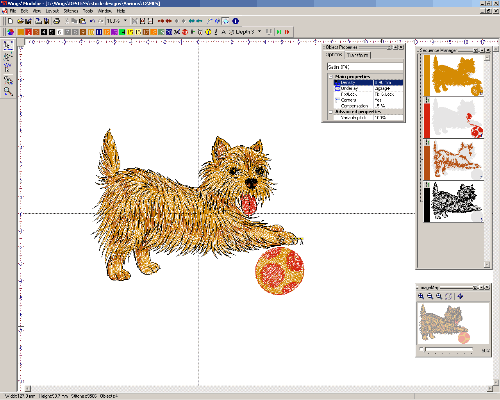
Step 1: Load a stitch design in to Modular, e.g. dst or exp. file etc. |
|
|
|
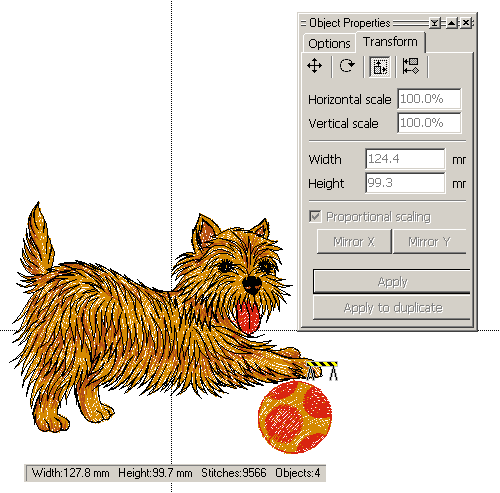
Step 2: The original design info is displayed on the status bar at the bottom. |
 |
|
|
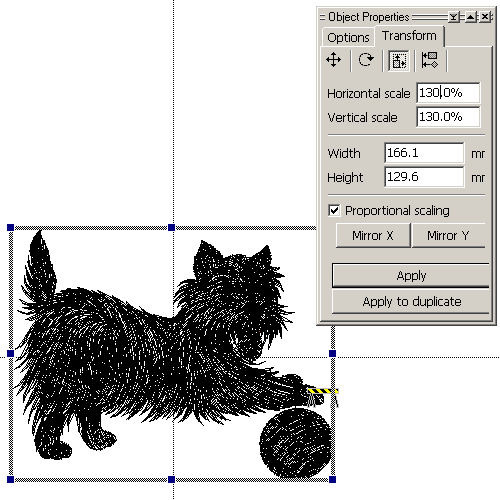
Step 3: Select the whole design, and apply a 30% size increase. |
 |
|
|
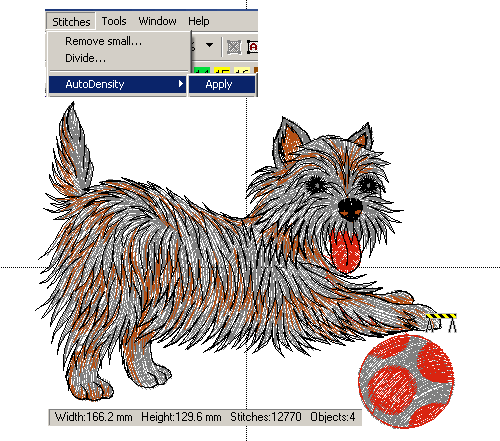
| Step 4: Apply auto density adjustment after resize, the new stitch count is regenerated. To change a color, simply select and click a new color on the color bar. |
|
|
Back to Main |