| |
Modular® Demo A : Stitch Parameter Control on DRAWings Designs |
 |
|
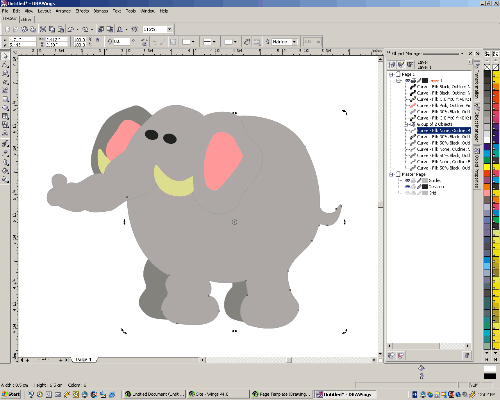
| Step 1: Load an Vector image in DRAWings® |
|
|
|
|
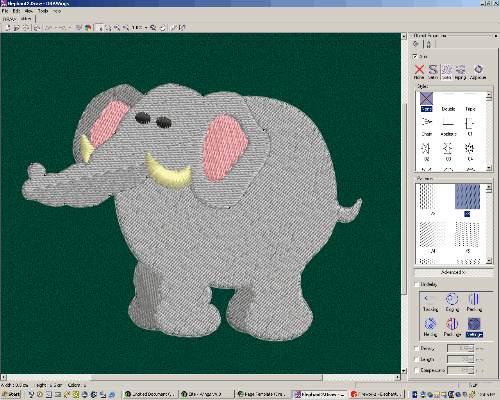
| Step 2: Convert Vector image to Embroidery Design by simply clicking the "Stitch" tab. |
|
 |
|
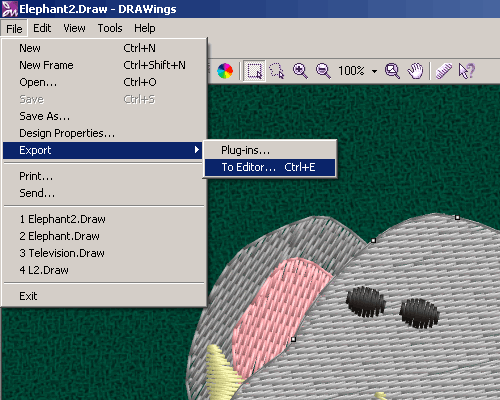
Step 3: Press " Ctrl+E" on the key board or Go to : File\Export\To Editor |
|
 |
|
| Step 4: The design will be loaded into Modular System in outline(condensed) format for further editing. |
| |
|
|
|
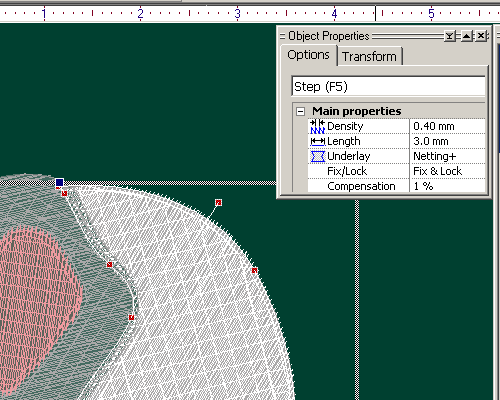
Step 5: From the Object properties menu, adjust stitch compensation, density, stitch length. |
|
|
|
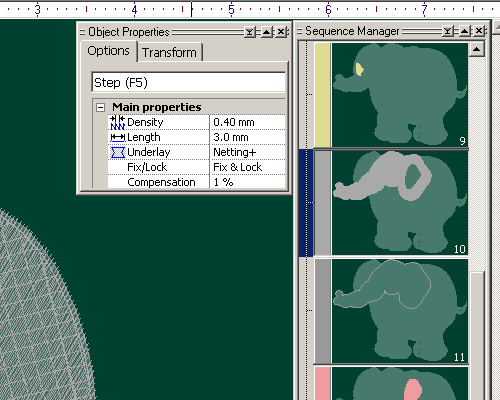
| Step 6: In the Sequence manager, simply click to select the object, drag and drop to a new location to change the sewing sequence. |
| |
|
|
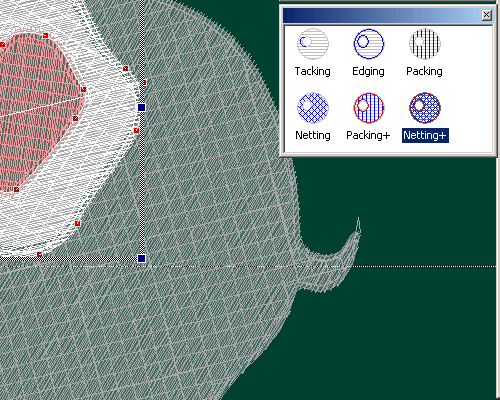
| Step 7: Click underlay parameter and change it by clicking a new one. |
|
|
|
|