| |
Modular® Demo B : Stitch Parameter Control on DRAWings Designs |
 |
|
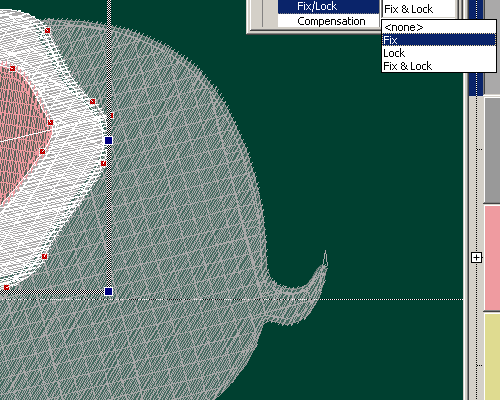
Step 8: Align lock stitches at the start or end of objects. |
|
|
|
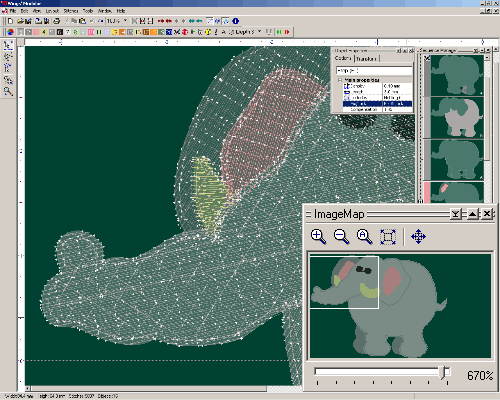
Step 9: Locating object for outline editing using ImageMap. |
 |
|
|
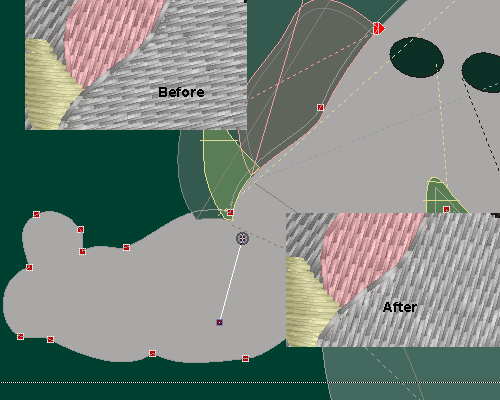
Step 10: Change stitch direction on a selected Fill stitch object. |
 |
|
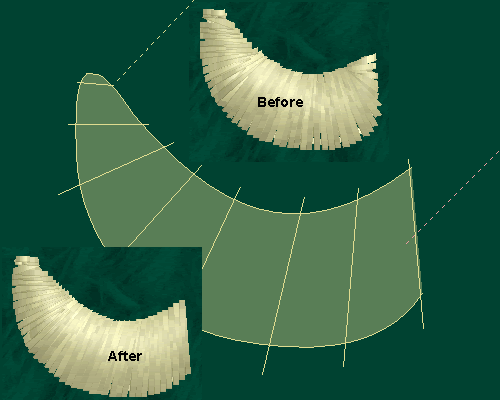
| Step 11: Change stitch direction on a selected Satin stitch object. |
| |
|
|
|
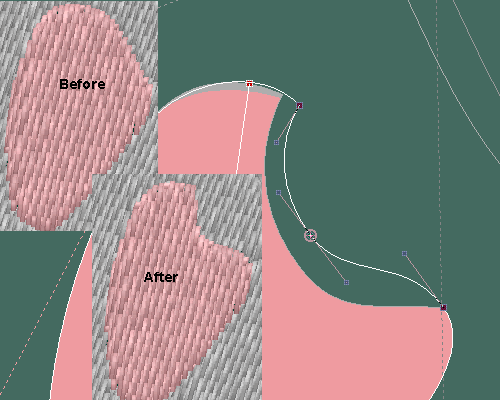
Step 12: Change object shape by outline node editing. |
|
|
|
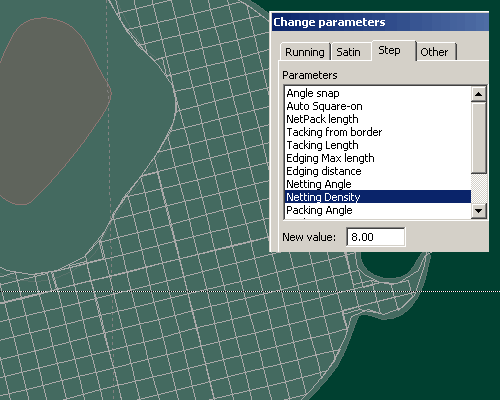
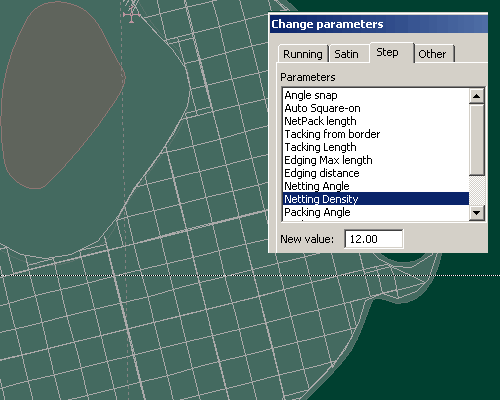
| Step 13: Change underlay density (1) |
|
|
| Step 14: Change underlay density (2) |
| |
|
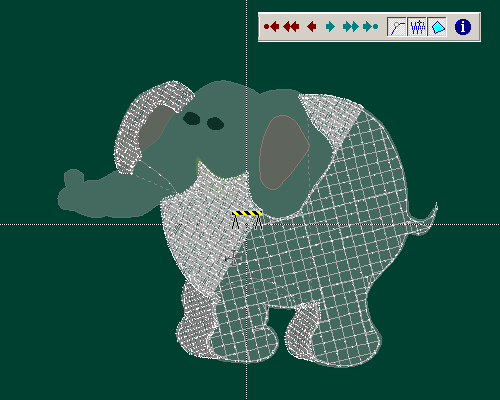
| Step 15: Simulate sewing process after editing. |
|
|
| |
Continue on to the next Demo |