| |
Modular® Demo C : Create Design Directly From a Scan-in Image |
 |
|
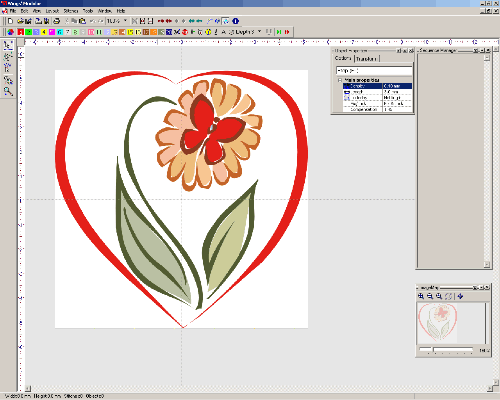
| Step 1: Load a BMP\JPG image ( You can also load a Vector image e.g. Al or EPS etc.) |
|
|
|
|
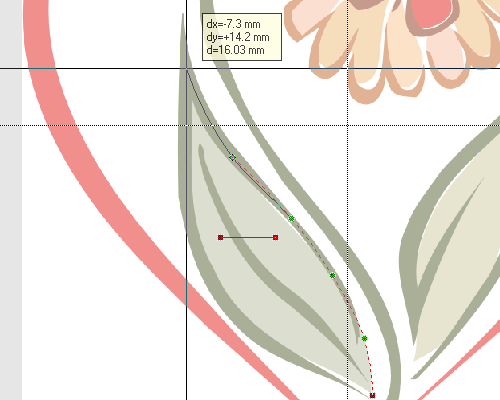
| Step 2: Select a stitch type for a shape and create its outline. |
|
 |
|
|
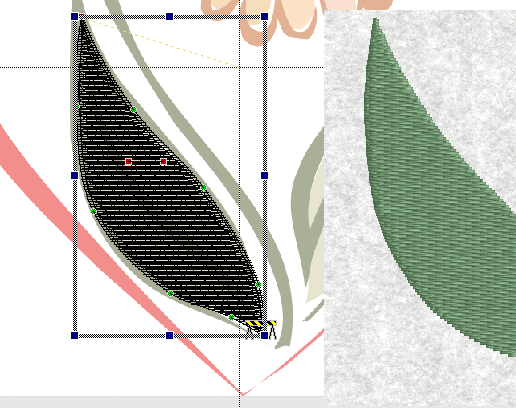
Step 3: The stitch will generated as soon as the outline is completed. |
 |
|
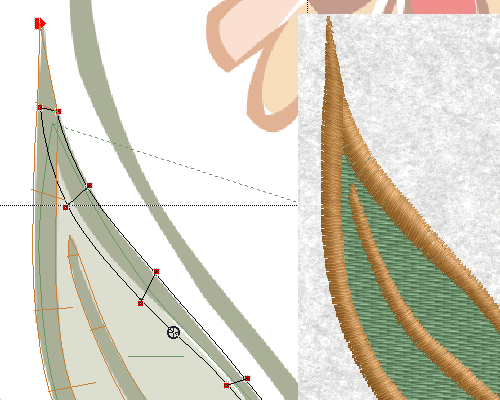
| Step 4: Apply a Satin border for the fill object. |
| |
|
|
|
|